 RehearSmart
For people who want to feel calm when they speak
A comfortable, kind and gentle way to rehearse
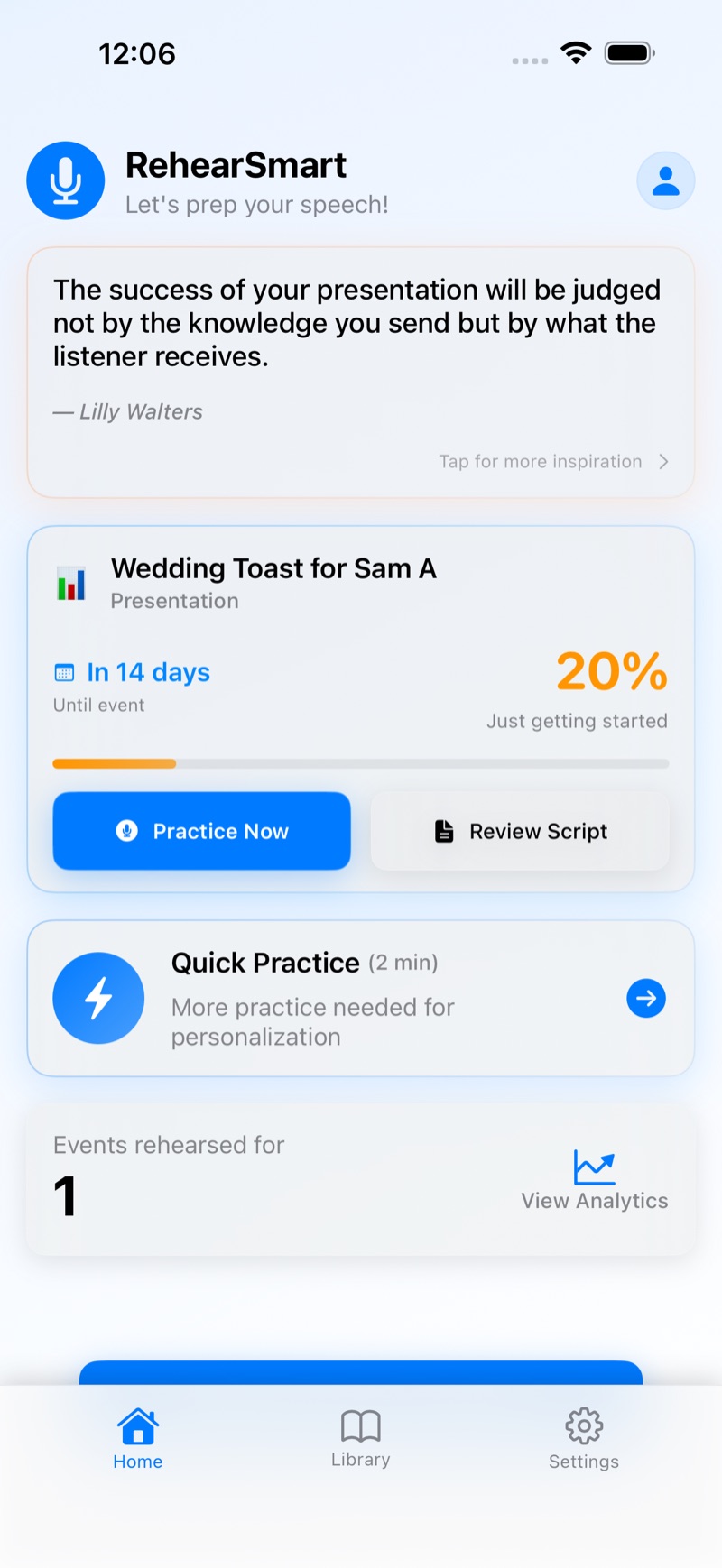
Write or paste what you want to say, then rehearse it out loud and get gentle feedback afterward. For wedding toasts, work presentations, eulogies, and any moment that matters. You'll feel calmer and more prepared when it's time to speak.
Free. No account needed.
Wedding toast · Work presentation · Eulogy · Interview · Thank-you speech
How it works
Three steps, start to finish.
-
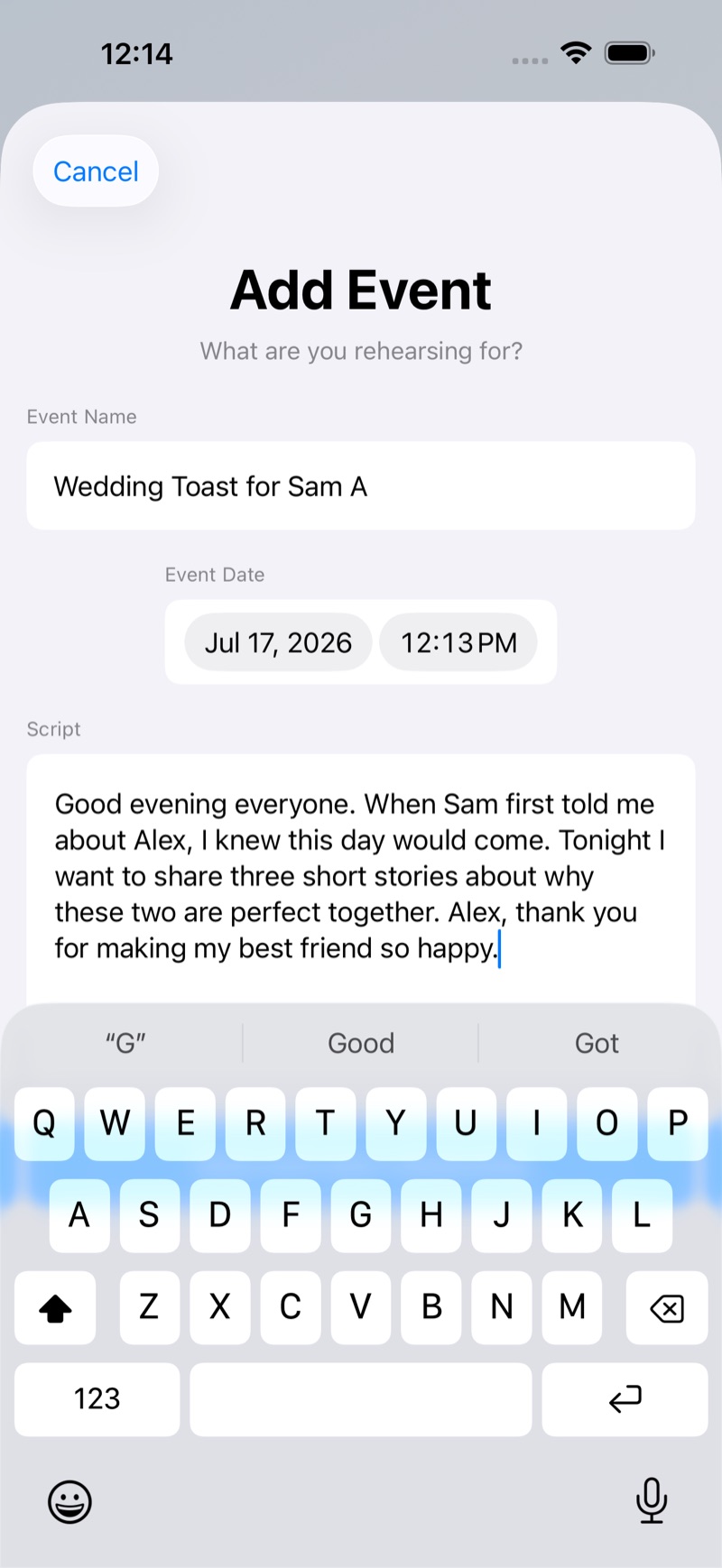
Write it
Write your speech in the app, or paste one you already have. No formatting to fuss with.
-
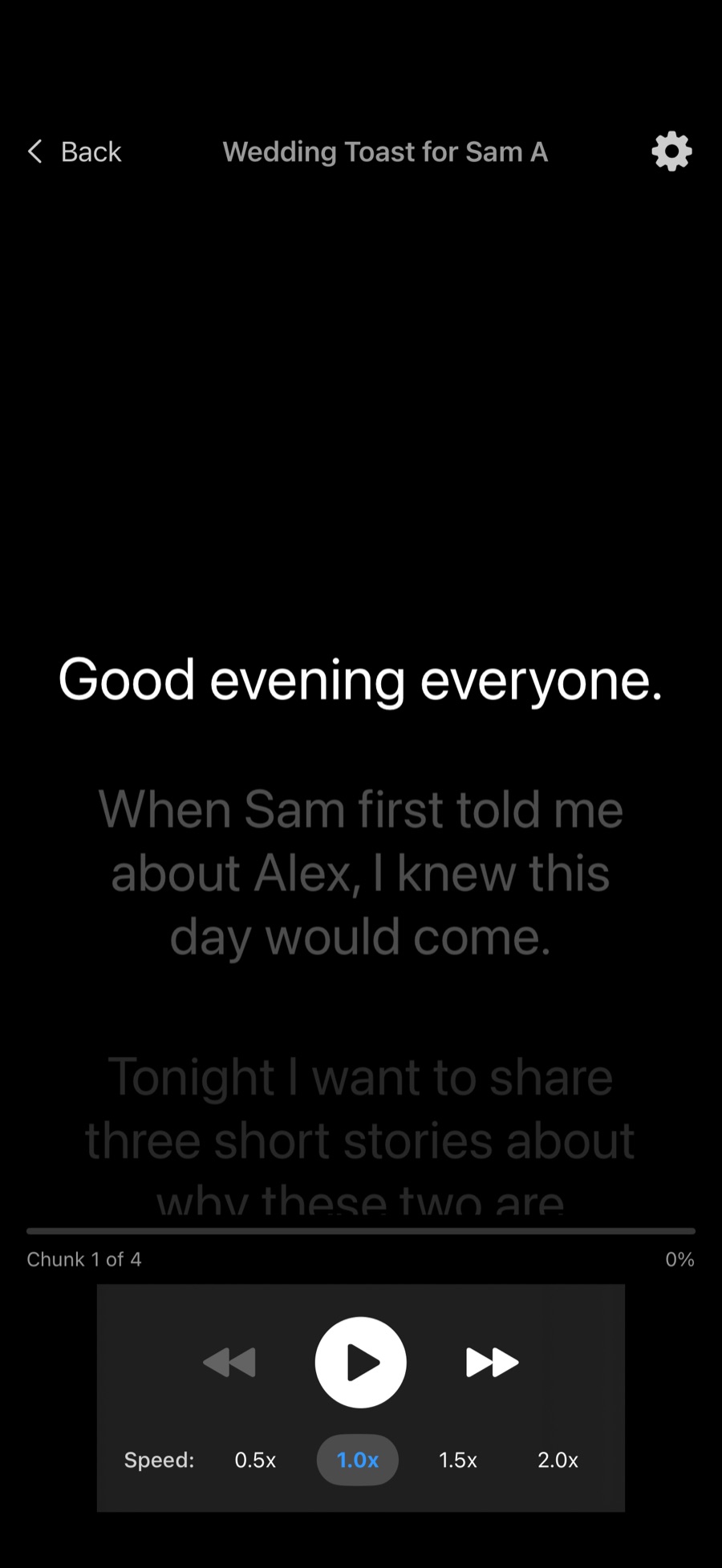
Rehearse it
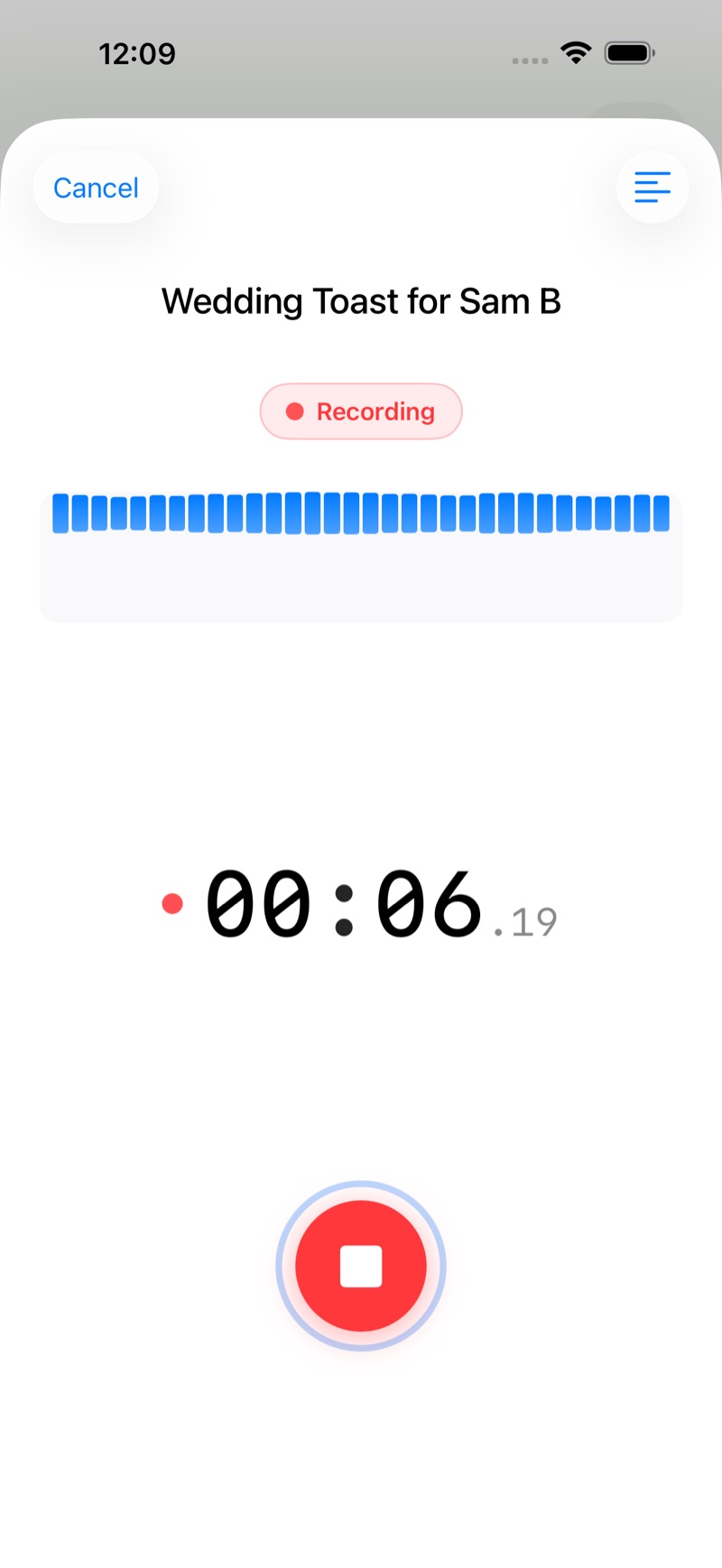
Read it out loud with an on-screen teleprompter while RehearSmart records you.
-
Hear how it went, then go again
RehearSmart compares what you said to your script and gives you gentle feedback on pace, filler words, pauses, and accuracy. Then rehearse it again. You get better, and calmer, with every pass. That's rehearsing smart.
What you'll hear about
Pace · Filler words · Pauses · Accuracy
The room is quiet. It's just you and your words.
Run it as many times as you need.
Every pass makes the moment more familiar. Familiar is calm.
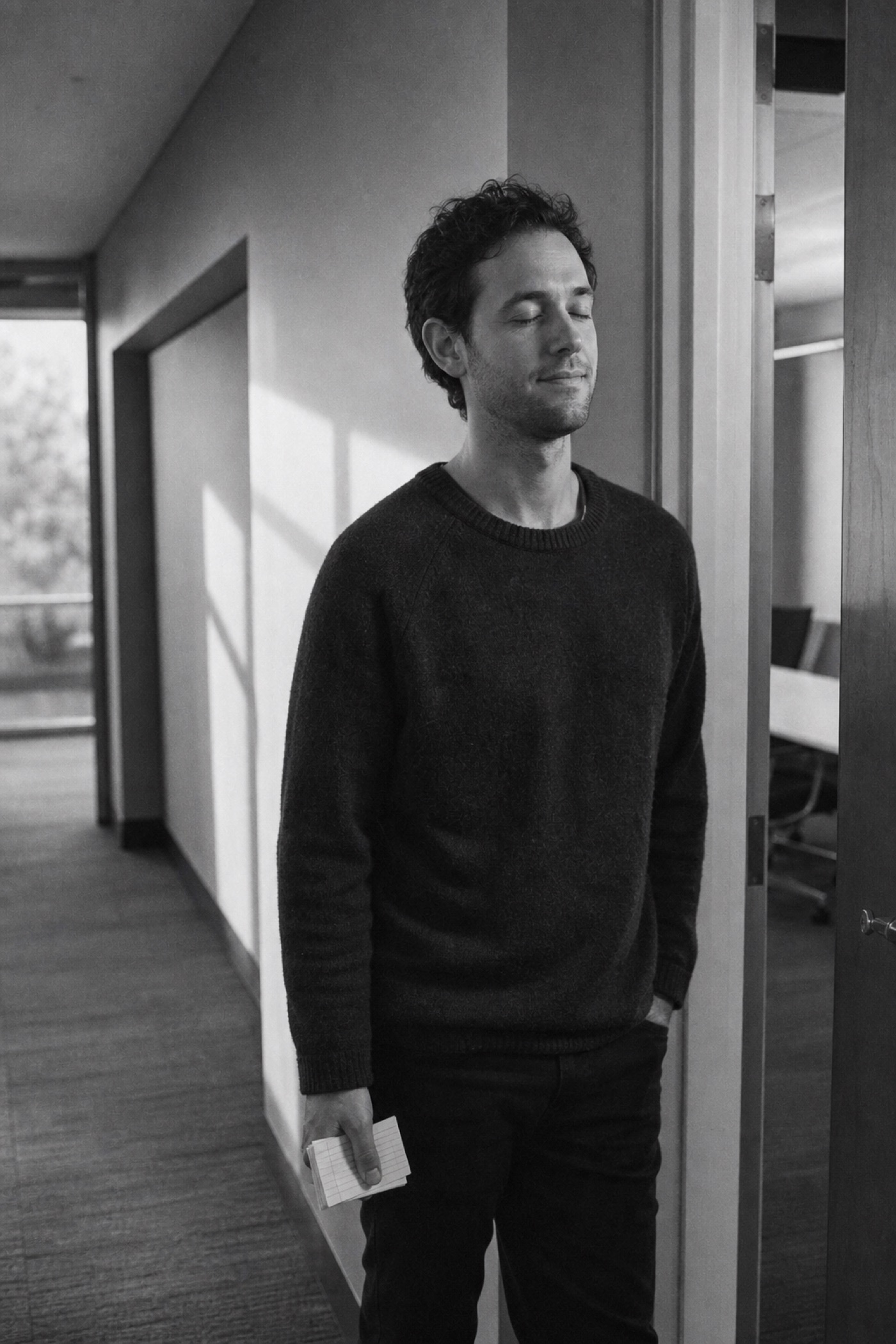

Made to feel safe to try
A few things worth knowing before you start.
-
Nothing leaves your device
Your recordings and transcripts stay on your phone. RehearSmart processes your speech on-device, not on a server.
-
No account, no ads
Open the app and start rehearsing. There's nothing to sign up for and nothing competing for your attention.
-
Small steps count
RehearSmart comes from Be Better Offline, built on the idea that a little bit of practice still counts. Rehearsing alone first is a real step toward the real moment.
A few common questions
Where do my recordings live?
On your device, and nowhere else. RehearSmart processes your speech on-device and doesn't upload your recordings or transcripts to a server.
How do I delete my data?
Delete a single recording any time from within the app. To remove everything at once, uninstall RehearSmart from your device.
How do I start rehearsing?
Open RehearSmart, write your speech or paste one you already have, then tap rehearse. The on-screen teleprompter guides you while you speak, and RehearSmart records as you go.